Flip video online
Flip a video horizontally, like a mirror, or vertically — for example, to make text readable again in a selfie from the front camera. Right in your browser, nothing is uploaded.
A mirror without side effects
Selfies without mirrored text
Front-camera selfies are often saved mirrored — text on T-shirts and signs reads backwards. One click and the text is the right way round.
Captions stay readable
Only the video is flipped; text and images on top stay as they are — and you can add a caption at any time.
A reflection like in water
Put an upside-down, semi-transparent copy of the video below it — and you get a beautiful reflection, like in water.
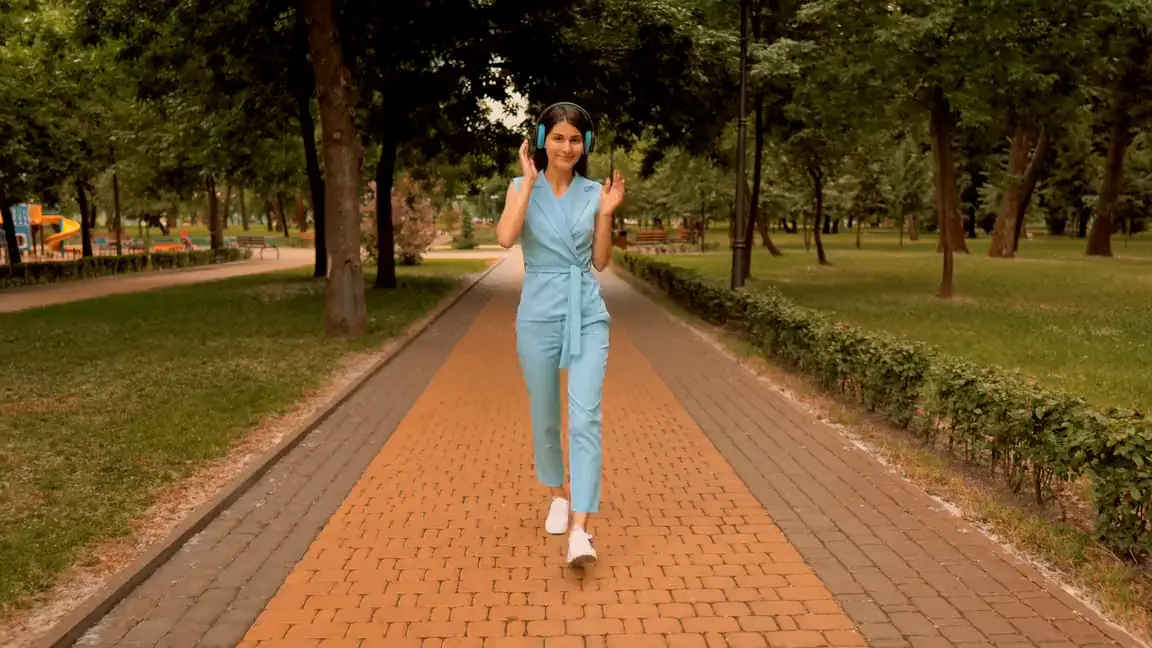
Flip or rotate 180°?
Both make the frame look “different”, but in different ways — and they’re easy to mix up.
Flip horizontally
Left and right swap places, like in a mirror: text reads backwards, and the top stays on top.
Best for a mirrored selfie or to make the subject face the other way.
Rotate 180°
The whole frame turns upside down: text isn’t mirrored, but it’s upside down. It’s the same as both flips at once.
Best when the camera was mounted upside down.
How to flip a video
Add a video
Drop the file onto the page or choose it on your computer — it opens in the editor.
Flip it
Select the clip and flip it left to right or top to bottom. Click again to undo.
Export
Download the video — it will be flipped in any player.
Questions and answers
How do I mirror a video?
Select the clip and flip it left to right — you see the result right away.
Why is my front-camera video mirrored?
That’s how phones save front-camera video — the way you saw yourself on screen, so text reads backwards. Flip it left to right and everything is back the right way.
What’s the difference between flipping and rotating 180°?
Flipping horizontally swaps left and right, and the top stays on top. Rotating 180° turns the whole frame upside down — the same as flipping both horizontally and vertically.
Will the text I added be flipped too?
No. Only the selected clip is flipped; text and images on top stay readable.
Does the sound get flipped too?
No, only the picture is flipped — the sound stays as it was.
Can I flip just part of a video?
Yes: split the clip and flip only the piece you need — the rest of the video stays the same.
Will the quality drop?
No: the video is exported in high quality.
Edit your video now
The editor opens right in your browser: no sign-up, nothing to install, and your files stay on your computer.
Open the editor