Loop a video online
Repeat a video or its best piece 2, 3 or 5 times in a row — with sound, in a regular video file. Short music can repeat to the end of the video. Right in your browser, nothing is uploaded.
Loop a video or make a GIF?
Both repeat the motion, but you get different files for different places.
Loop the video
The piece repeats as many times as you choose — with sound, in a regular video file any social network accepts.
Best for Reels, TikTok and YouTube: the video gets longer and keeps its sound.
Make a GIF
A GIF loops forever on its own, but has no sound and weighs many times more than a video.
Best for a chat, a website or a presentation — short, up to 15 seconds.
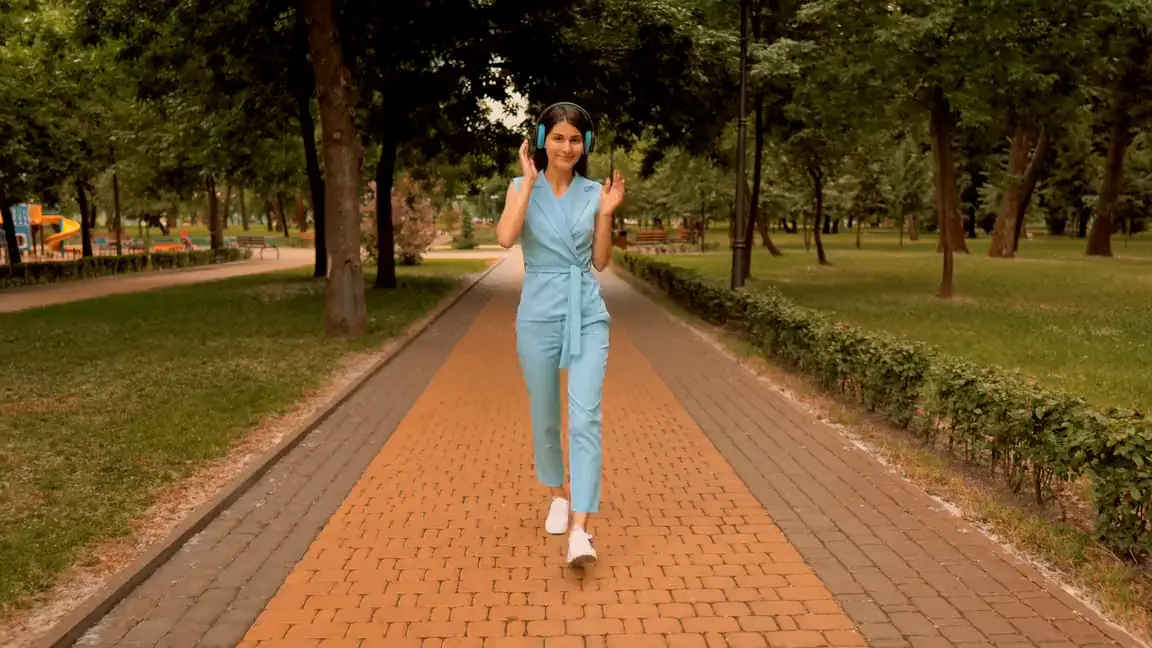
A loop you can’t see
Music to the end of the video
Track shorter than the video? Repeat it to the end — the music plays right up to the last frame.
A seamless loop
Add a smooth transition between repeats and the joint becomes invisible.
Every repeat is its own
Any repeat can be trimmed, deleted or slowed down — say, the last jump in slow motion for a striking finish.
How to loop a video
Add a video
Drop the file onto the page or choose it on your computer — it opens in the editor.
Keep the piece
Trim the video — only the best piece will repeat.
Loop it
Choose how many times to repeat: 2, 3 or 5. Music can repeat to the end of the video.
Export
Download the video — all repeats in one file.
Questions and answers
How do I loop a video?
Select the clip and choose how many times to repeat it: 2, 3 or 5. The repeats line up right after it.
Can I repeat it more than 5 times?
Yes: click again to add more repeats.
How do I loop music to fit the video?
Repeat the track to the end of the video — the music plays right up to the last frame.
Will the repeats have sound?
Yes: every repeat has the same sound.
Can I make an endless loop?
The video repeats as many times as you choose. A GIF loops forever — you can export one too, but without sound.
Why is there a jump where the loop restarts?
Pick a piece where the motion returns to where it started, or add a smooth transition at the joint — the jump disappears.
Will the quality drop?
No: the video is exported in high quality.
Edit your video now
The editor opens right in your browser: no sign-up, nothing to install, and your files stay on your computer.
Open the editor